Fix it
Vibration Plate Problems and Fixes: Noise, Creeping Bases, Remote Issues, and Error Stops
Fix common vibration plate problems: floor noise, a base that walks during sessions, unresponsive remotes, uneven feel, and plates that stop mid-program.
Most plate problems are setup problems: a base on the wrong surface, a remote out of line, a setting that does not suit the position. Work through these fixes before assuming a motor fault, and stop any session where the platform feels uneven or makes a new mechanical noise.
Plate is loud on a hard floor
Place a dense equipment mat under the full base and check that all feet touch the surface evenly. Avoid running high settings with the base half on a rug edge. If a new rattling sound appears, stop and inspect for a loose foot or debris trapped underneath.
Base creeps or walks during a session
This is a light base on a smooth surface at a strong setting. Add the mat, center your stance, and lower the setting until the base stays planted. Persistent walking at moderate settings on a mat suggests the floor slope or a worn foot pad needs attention.
Remote does not change settings
Replace the remote batteries first, then check line of sight to the base sensor and remove anything blocking it. Stand closer during setup. If the base panel works but the remote never does, the remote itself is the likely fault and a maker replacement item.
Session feels much stronger on one side
On oscillating plates, check that your feet are placed symmetrically around the center mark; an off-center stance is the usual cause. If a centered stance still feels uneven, run the plate unloaded and watch the platform edge for an irregular motion, then contact the maker if it persists.
Plate stops mid-program or will not start
Check the power cord seating, the base power switch, and whether the session timer simply ended. Many models pause or stop on overload protection if capacity is exceeded or the motor overheats after back-to-back long sessions; let the unit cool fully and retry at a low setting.
Display shows an error code
Photograph the code, unplug the plate for several minutes, and restart at the lowest setting. Match the code against the maker manual before further use; recurring codes after a clean restart are a warranty conversation, not a home repair.
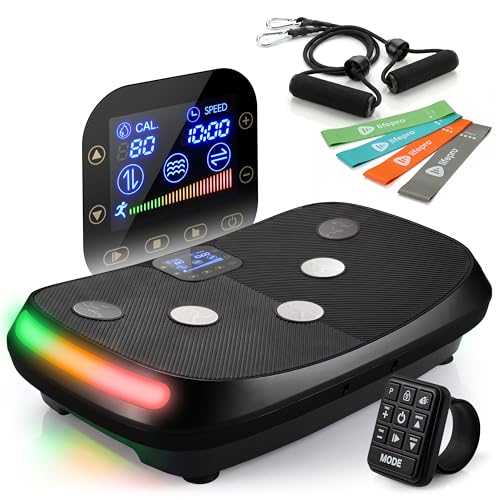
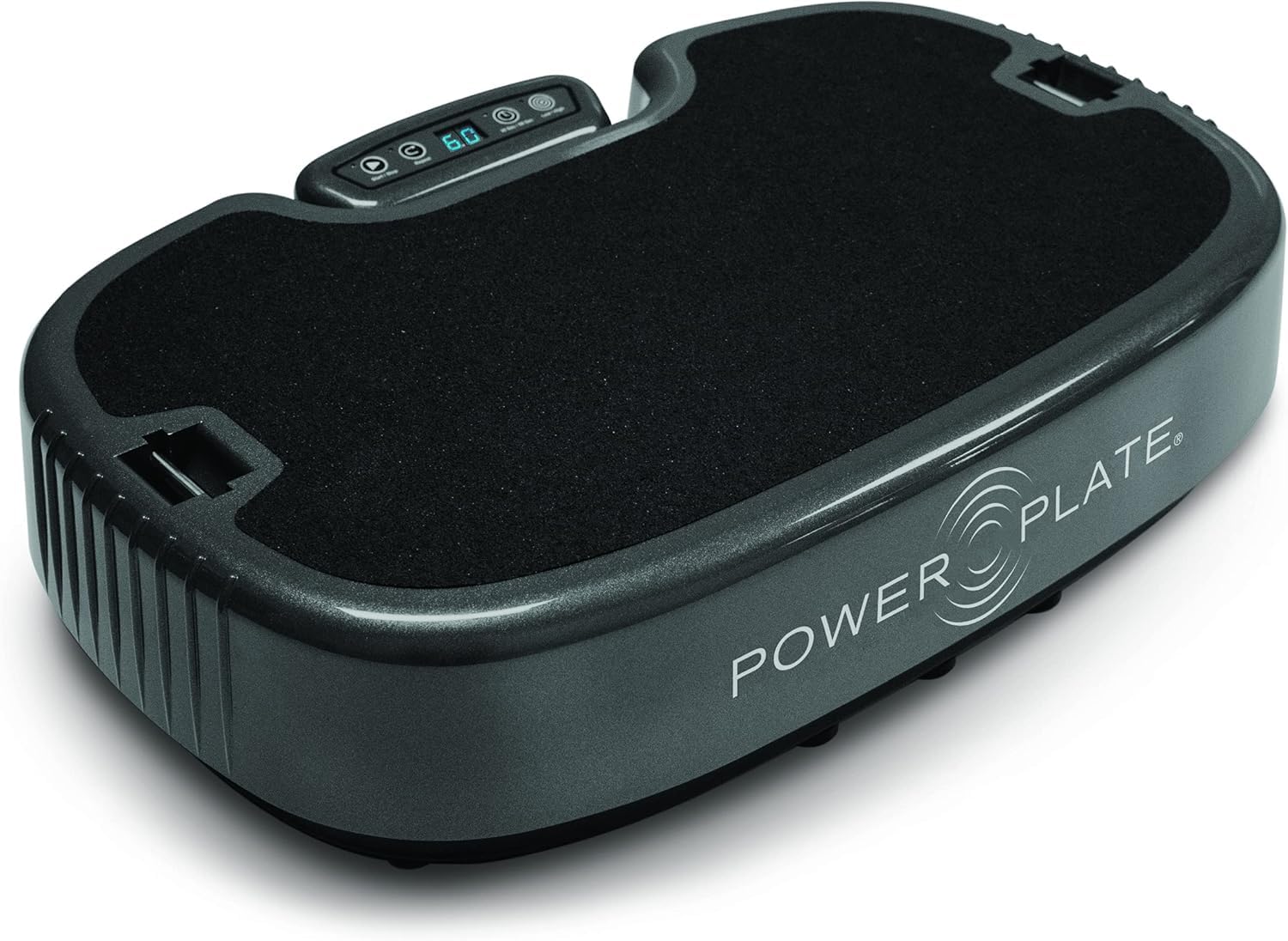
Still stuck? Compare the current top picks
Full ranked list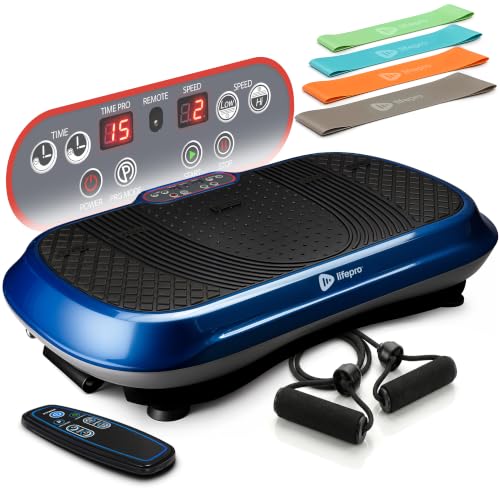
FAQ
Vibration Plates questions, answered straight
Can I use a plate on carpet?
Thin, firm carpet over a mat can work; deep pile softens the base and can strain the motor and your footing. A defined hard-surface spot is the setup makers assume.
How do I clean the platform surface?
Unplug first, then wipe with a lightly damp cloth and dry it fully. Keep water away from vents, seams, and the control panel, and never use the plate with a wet surface underfoot.
When should I stop a session and step off?
Immediately if you feel dizzy, unsteady, or uncomfortable, or if the machine sounds or moves irregularly. Sit down nearby until you feel steady, and lower settings or shorten sessions when you resume.