Fix it
Body Composition Scale Problems and Fixes: Wild Readings, Sync Gaps, Wrong Users, and Grip Errors
Fix common smart scale problems: readings that swing daily, composition errors, Wi-Fi and Bluetooth sync failures, profile mix ups.

Most scale problems are protocol problems wearing a technical costume. Before suspecting the device, fix the conditions: same floor spot, dry bare feet, same morning slot, correct profile. Work this list in order and most wild data calms down within a week, because the scale was faithfully measuring a different situation each day and reporting exactly that.
Body fat percentage swings several points day to day
Standardize the protocol: weigh after waking and the bathroom, before eating or drinking, not after training or a shower. Hydration is the dominant input and it swings with salt, carbohydrates, alcohol, and hard sessions. If protocol is tight and swings persist, judge only the weekly average your app draws; the trend is the measurement, the morning is a sample.
Scale shows weight but no composition reading
Composition needs skin contact with the electrodes: bare, dry feet placed fully on the marked zones, standing still until the reading completes. Socks, very dry calloused skin, or stepping off early all produce weight only results. On handle models, grip with clean dry palms and arms clear of the torso as the maker diagram shows.
Readings file under the wrong household member
Open the app and move the misfiled readings to the right profile, then weigh in once each under supervision so recognition relearns the pattern. Mix ups cluster where two users weigh within a few pounds; setting each person's confirmed reference weight in their profile, where the app allows it, prevents most repeats.
Wi-Fi scale stopped syncing after a router change
The scale still holds the old network. Repeat the maker network setup with the new name and password, confirm the scale joins the band it supports, and place a first test weigh in with the phone nearby to watch it file. Router band steering and guest networks are common culprits; a stable main network is the fix.
Bluetooth scale only syncs when the app is open
Grant the app its background and nearby devices permissions, exclude it from battery optimization, and keep the phone in the room during weigh ins. If the maker offers a Wi-Fi model in the same line and the chore persists, that upgrade is the permanent fix rather than a settings ritual.
Handle model reports an error or uneven segment results
Reset your stance to the maker diagram: feet fully on the electrodes, arms straight and away from the body, no hand contact with thighs, no talking or shifting during the sequence. Clean handle and foot electrodes with a dry cloth. Persistent one sided oddities after protocol checks are a support case; send the app screenshots with dates rather than describing them.
Still stuck? Compare the current top picks
Full ranked list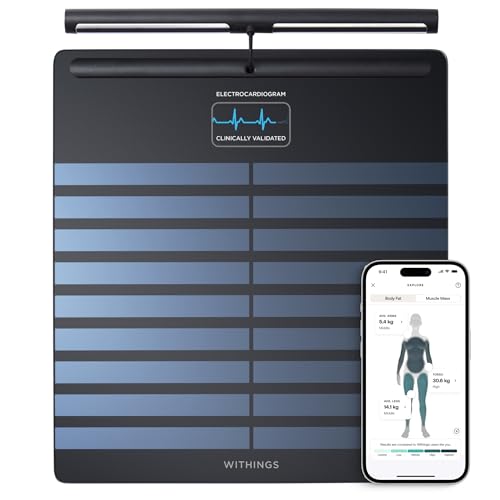
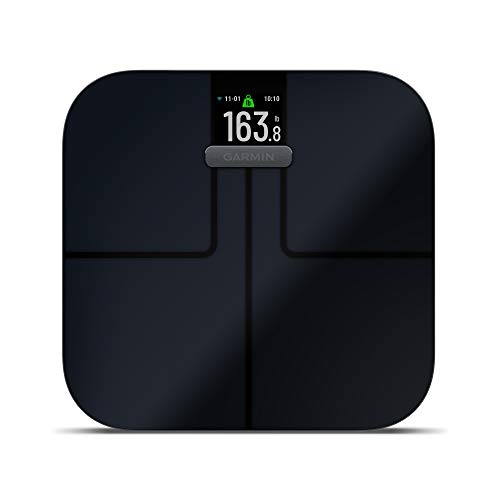
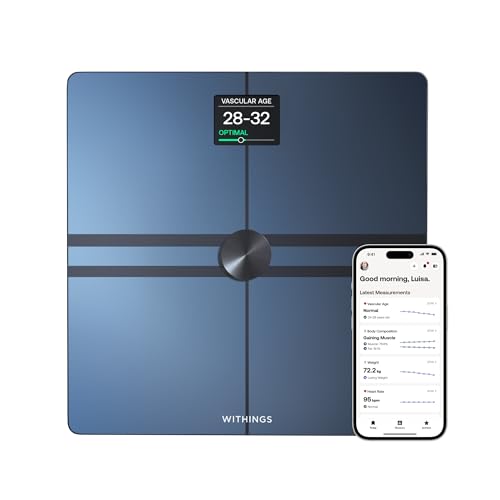
FAQ
Body Composition Scales questions, answered straight
Should I recalibrate or zero the scale?
Follow your maker manual: many models recalibrate by stepping on briefly to wake and zero, then stepping off before the real weigh in, especially after the scale has been moved. Moving a scale between floors is the classic hidden cause of a sudden weight shift at home.
Why did my weight change after a firmware update?
Updates can alter filtering and rounding behavior. Re-baseline for a week under tight protocol and compare weekly averages across the update boundary rather than morning pairs. If a step change is large and persistent, report it to the maker with before and after data.
Can I weigh on carpet with a hard board underneath?
A rigid, level board sized to the scale feet is the accepted workaround and makers document similar guidance. The board must not flex or rock. Bare hard floor remains the reference setup whenever it exists in the home.